Who Viewed Your LinkedIn Profile? How to Check (and What You Can't See)

Yes — LinkedIn shows you who viewed your profile, and it keeps a running list. But what you actually see depends on two things: your account type (free vs. Premium) and the viewer's own privacy settings. On a free account you'll see your most recent handful of viewers; on Premium you get the full 90-day list; and anyone browsing in private mode shows up as "Anonymous LinkedIn Member" no matter what you pay.
Here's exactly how it works, how to check, and how to turn profile views into something useful.
What you can see: free vs. Premium
| Free account | Premium account | |
|---|---|---|
| Recent viewers list | Last ~5 viewers | Full list, up to 90 days |
| Viewer count & trend | Yes (90-day window) | Yes, with more detail |
| Viewer insights (company, industry, job title) | Limited | Yes, with filters |
| Weekly viewer trends | No | Yes |
A few things worth knowing about the table:
- The viewer count covers a rolling 90-day window on both tiers — Premium's advantage is the full named list and the filters, not a longer memory.
- The count includes repeat views, so one very interested recruiter can look like three viewers.
- Premium viewer insights (which companies and industries your viewers come from) are genuinely useful for job seekers and anyone selling — it's the closest thing LinkedIn gives you to audience analytics for your profile.
Why some viewers show up as "Anonymous LinkedIn Member"
Every LinkedIn member picks one of three profile-viewing modes, and their choice controls what you see:
- Public (default) — you see their name, headline, and profile.
- Semi-private — you see partial characteristics only: something like "VP of Sales at a software company" or "Someone in Dubai."
- Private mode — you see nothing but "Anonymous LinkedIn Member viewed your profile."
There's no way to unmask an anonymous viewer — not with Premium, not with any tool. Which leads to an important warning: any app or browser extension claiming to reveal anonymous profile viewers is lying, and connecting it to your account risks getting you restricted. LinkedIn doesn't expose that data to anyone.
There's also a trade-off in the other direction: if you switch on private mode to browse anonymously, LinkedIn hides your viewer list too. Anonymity is symmetrical — you can't watch without being watchable.
How to check who viewed your profile
On desktop:
- Click Me (your photo, top right) → View Profile
- Scroll to the Analytics section
- Click Profile views — that's your list
Shortcut: your homepage left sidebar has a Who's viewed your profile link under your name that jumps straight there.
On the mobile app:
- Tap your profile photo (top left) → View profile
- Tap the Analytics row
- Tap Profile views
What to actually do with your viewer list
The list is trivia if you just glance at it. It's leverage if you act on it:
- Job hunting? Recruiters viewing your profile is the strongest signal your search is working. No recruiter views at all means your profile isn't surfacing — that's a headline and keyword problem, and it's fixable in ten minutes (30 headline examples if you need them).
- Selling something? A decision-maker who viewed your profile twice this week is a warm lead who raised their hand silently. That's your cue for a low-key, non-pitchy connection request — reference shared context, not your product.
- Building a network? Peers and former colleagues who view you are pre-warmed connections. Engage with their content once or twice, then send the invite — acceptance rates on warm viewers are dramatically higher.
The pattern across all three: a profile view is someone knocking quietly. Most people never open the door.
How to get more profile views (the part that compounds)
Viewers don't arrive randomly — they come from activity. Every post you publish, every comment you leave, every reaction you get puts your name and headline in front of new feeds, and a slice of those people click through to see who you are. Profile views are, in practice, a trailing indicator of your content consistency.
So the boring answer is the right one: post on a schedule you can sustain, write hooks that earn the click-through, and keep your profile worth landing on. If consistency is the part that breaks down, that's exactly what inHype automates — daily post drafts in your voice, approved in one tap, so your name keeps showing up in feeds and the viewer list keeps filling. The 15 post templates are a good first week of material.
How to browse other profiles privately
Flip side: sometimes you're the one researching — a competitor, a candidate, an ex-boss — and you'd rather not announce it.
- Me → Settings & Privacy → Visibility
- Profile viewing options
- Choose Private mode (or semi-private, which shows a vague description instead of your name)
Two costs to remember: while you're in private mode your own viewer list goes dark, and on some plans your accumulated viewer history gets cleared. Browse privately for the occasion, then switch back — permanent anonymity on a network built for visibility is self-sabotage.
FAQ
Can someone see if I view their LinkedIn profile? Yes, if you're in the default public mode — your name and headline land in their viewer list. Switch to semi-private or private mode first if you'd rather they didn't.
Can I see who viewed my profile if they used private mode? No. Anonymous views are anonymous for everyone, including Premium subscribers. No legitimate tool can reveal them.
Do I need Premium to see who viewed my profile? No — free accounts see the most recent ~5 viewers and the 90-day count. Premium unlocks the full list, filters, and trends.
Does viewing my own profile count? No. Your own visits are excluded from the count.
Why did my viewer count drop suddenly? It's a rolling 90-day window — old views age out daily. A drop usually means a busy period expired, not that something broke. If it stays low, it means your activity slowed; the fix is posting, not settings.
The takeaway
Your viewer list is the only place LinkedIn shows you exactly who's paying attention — recruiters circling, clients sniffing around, peers checking your trajectory. Check it weekly, act on the names that matter, and feed it with the one input that reliably grows it: showing up in the feed yourself.
Put this into practice on LinkedIn
inHype turns your expertise into scroll-stopping LinkedIn posts — hooks, drafts, scheduling and analytics in one place.
Get started freeRead more

LinkedIn Account Restricted? Why It Happens and Exactly How to Fix It
Why LinkedIn restricts accounts, temporary vs. permanent restrictions, exact recovery steps with an appeal template, and how to avoid a repeat.
30 LinkedIn Headline Examples That Get You Clicked (With Templates)
30 LinkedIn headline examples for founders, job seekers, freelancers, and sales — plus the 4-part formula, fill-in templates, and before/after rewrites.
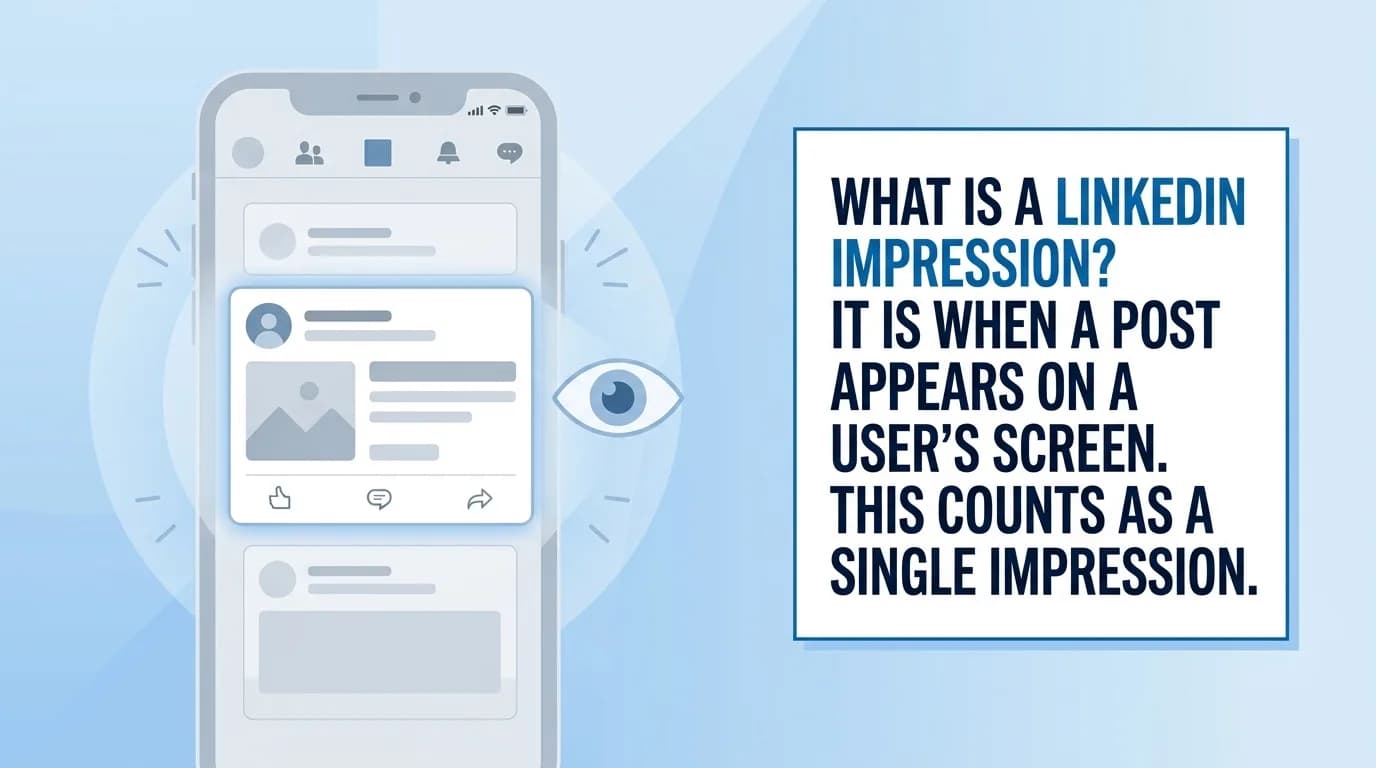
What Is a LinkedIn Impression? (And Why Yours Dropped)
What LinkedIn impressions actually count, impressions vs. reach vs. views, what a good number looks like, why yours dropped, and 7 ways to get more.